Members tap in, the floor count moves
A QR code from the member portal, or the member code at the desk. Every check-in moves one live occupancy figure across every branch.
Animation: a 3D walk through a working gym. The camera starts over the whole club, then stops at the strength zone, the free weights, the cardio floor and the recovery area, with members training at each. Each stop is paired with what the software does there.
One tap and they are training
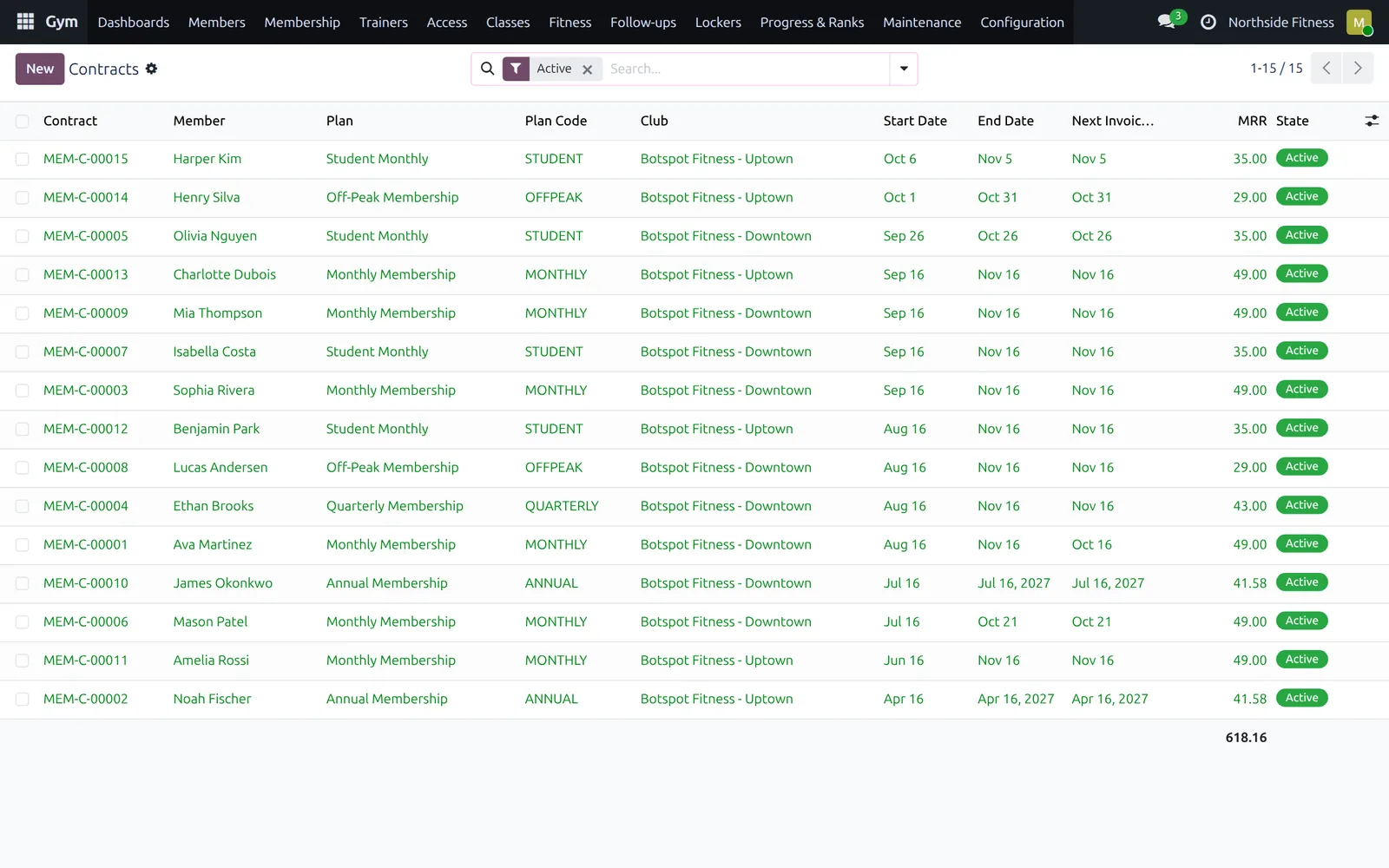
Memberships, classes, lockers, trainers and the front desk in one Odoo system. Members join online, tap in at the door, book a class from their phone and see their own progress.
A QR code from the member portal, or the member code at the desk. Every check-in moves one live occupancy figure across every branch.
Trainers set workout plans; members log sets, personal records and body measurements from their phone.
The trainer portal lists each coach's clients with their plans, sessions and attendance, and the follow-ups that are due.
Members book a spin seat from the timetable. When someone cancels, the first person on the waitlist is promoted automatically.
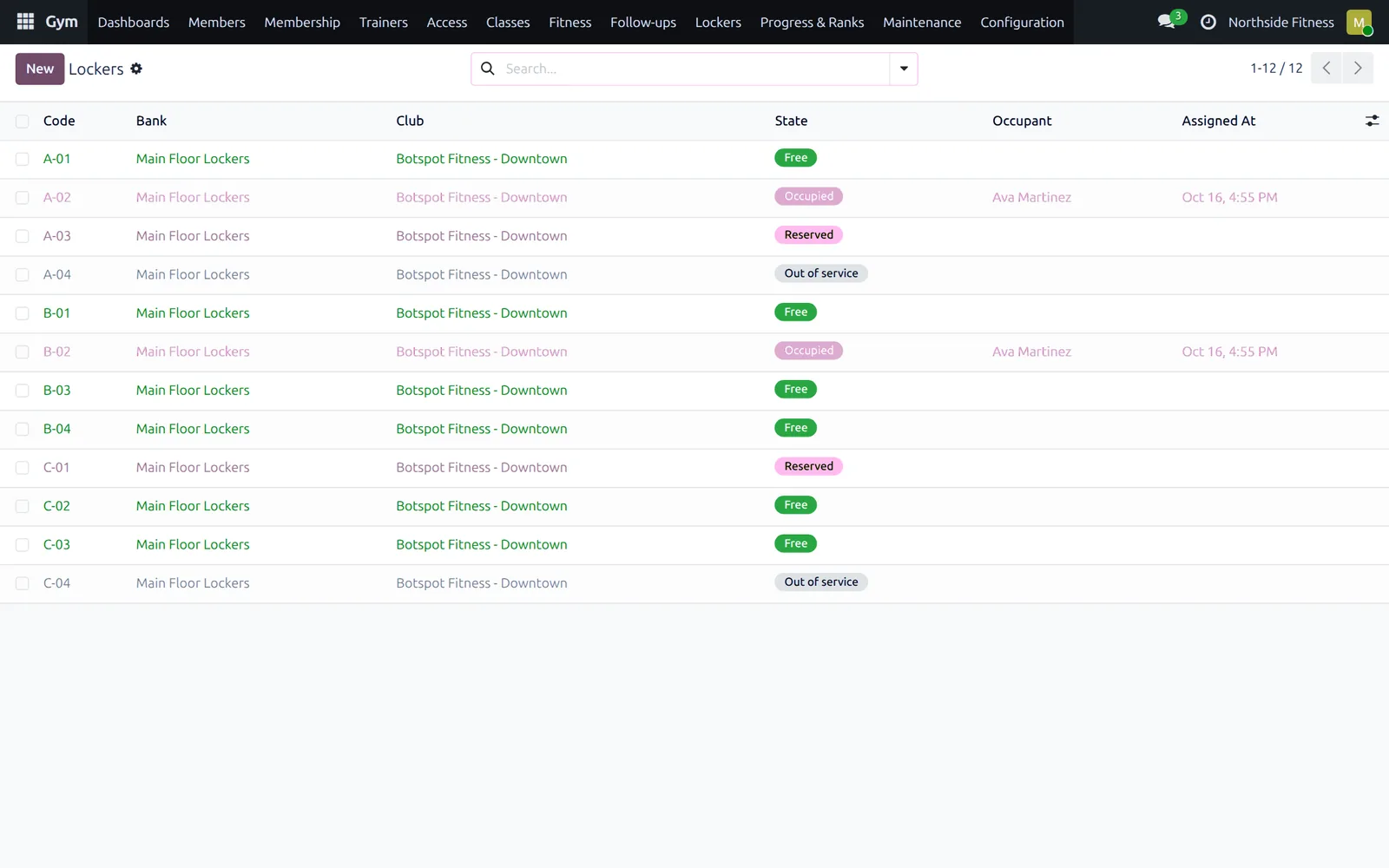
Lockers are assigned from the desk, members request freezes from the portal, and equipment is flagged before its service is overdue.
A club, on one record
Botspot Gym Management is a suite of Odoo modules that runs a gym or a chain of them: clubs and branches, member records, membership plans and contracts, class timetables and bookings, lockers, trainers, equipment servicing, and a member portal with a progressive web app. The front desk, the owner and the member all read the same data.
You install only the parts you use. The base module carries clubs, members, trainers and disciplines; everything else sits on top of it.
From the website to the renewal
Six moments in one membership, each handled by the system rather than a clipboard.
Pick a plan and a branch on the website and pay; the contract is created with the first invoice.
The waiver is signed on the phone before the first visit, and stored against the contract.
The QR code from the portal is scanned at the door; the contract is checked and the floor count moves.
A full class takes a waitlist place, and a cancellation promotes the next member automatically.
The coach's plan is on the phone; sets, personal records and measurements are logged as they happen.
The next invoice raises itself; a member away for a fortnight requests a freeze from the portal.
The software itself
From the owner's numbers to the tablet at the door and the member's own page. Click a side screen, or let it play.
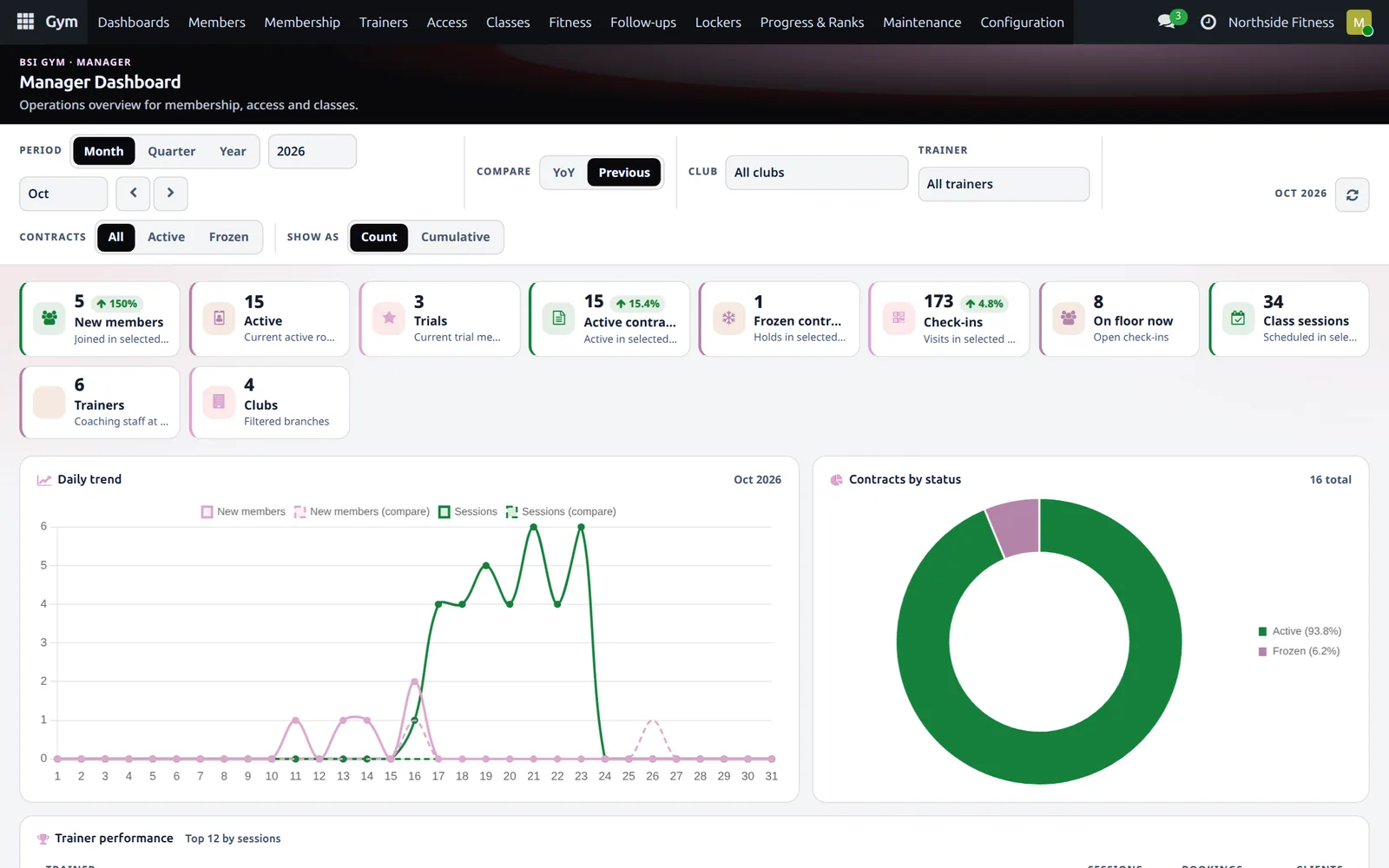
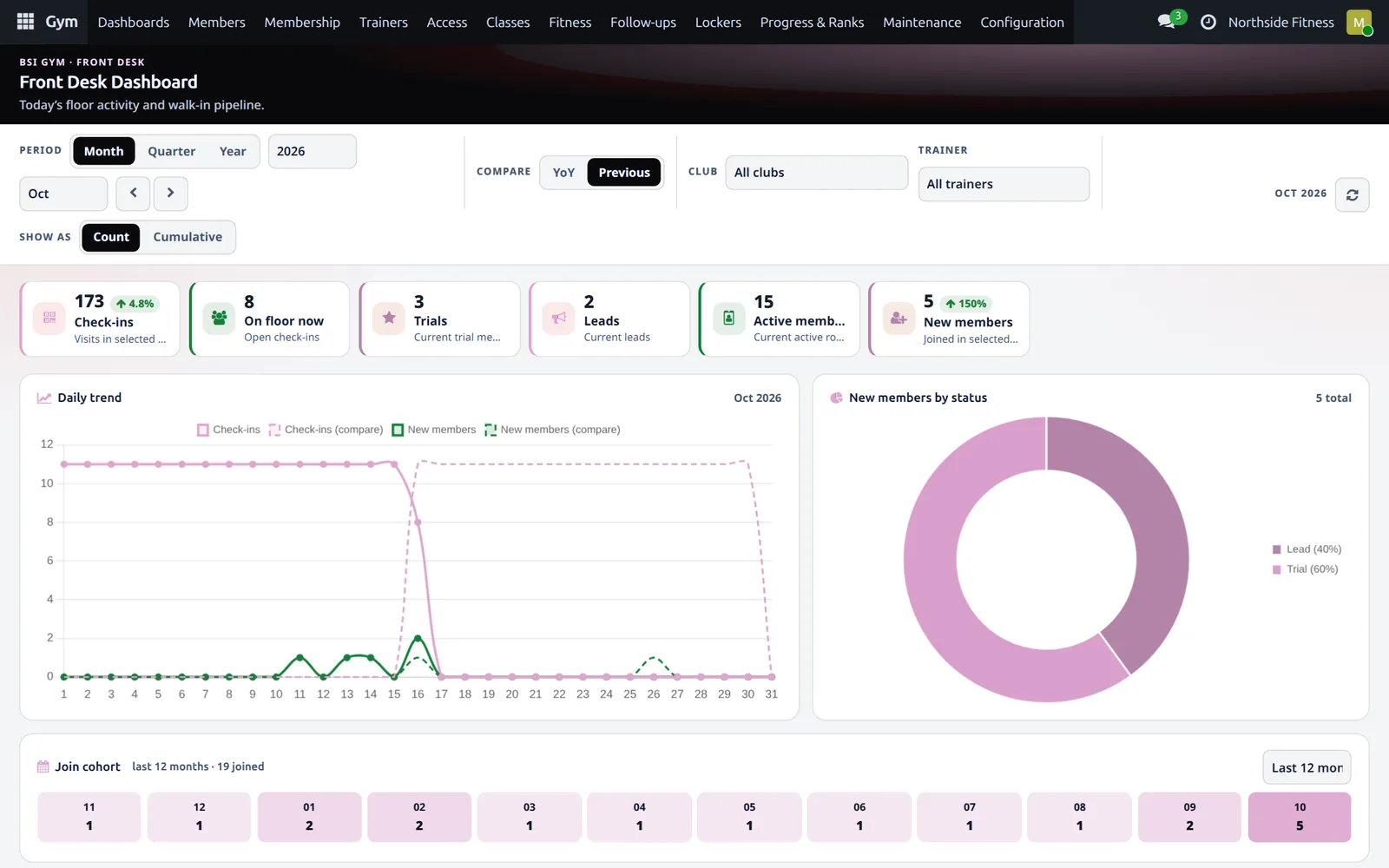
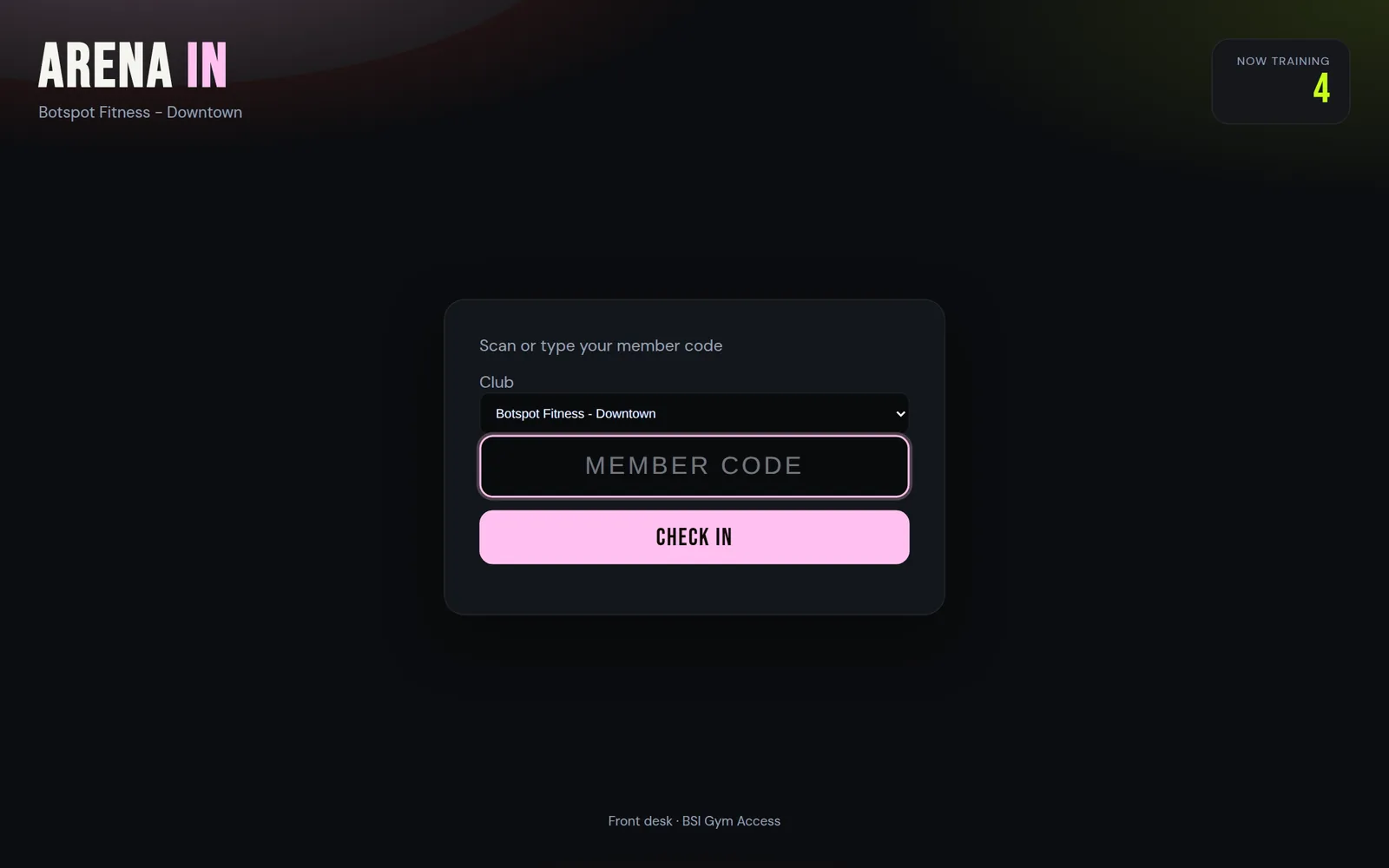
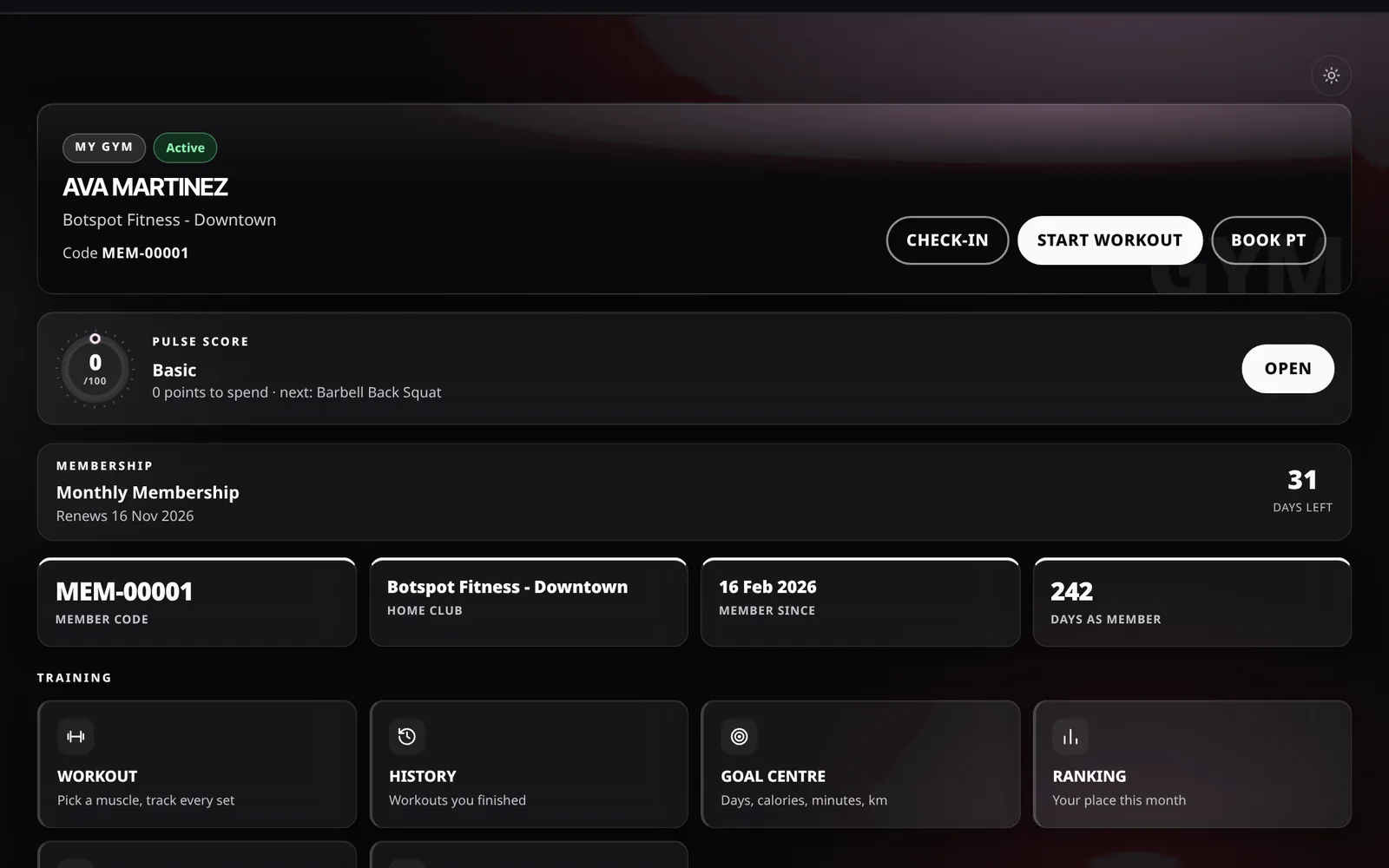
Manager dashboardNew members, active and frozen contracts, check-ins, people on the floor and class sessions, compared with last period.
Captured from a demo club running the suite, shown in the Botspot colour theme.
What is inside
Install the whole thing or only the pieces you need. Each one is a normal Odoo module.
Clubs, members, trainers, disciplines and a one-click setup wizard.
Plans, contracts, recurring billing, freezes, packs, trials and waiver e-sign.
Timetable, sessions, capacity, waitlist auto-promotion and attendance.
Check-in and check-out, kiosk access, live occupancy and a door webhook.
Exercise library, workout plans, logs, personal records, measurements, goals and diet plans.
Locker banks with assign and release, plus a public availability view.
Equipment service tracking from hours used and service dates, flagged before it is overdue.
Status, workouts, progress, documents and a QR code for the door.
A coach desk on the website: clients, plans, sessions, attendance and follow-ups.
Separate KPI views for the owner, the manager, the trainer and the front desk.
Branches, memberships, timetable, trainer profiles, online join and class booking.
A REST JSON API, plus a progressive web app members can install on a phone.
01 / 12
Questions
Pick a plate. The pin goes in, the stack lifts, and the answer comes up on the console.
Yes. Clubs are records, so members, classes, lockers and equipment all belong to a branch, and the owner dashboard reads across all of them from one database.
With a QR code from their portal, scanned at a kiosk or by the desk. If the QR library is not installed on your server, the portal shows the member code instead and the desk can key it in.
Members join a waitlist and are ranked. When somebody cancels, the first person on the waitlist is promoted into the free seat automatically.
Yes. A member requests a freeze from the portal with a start and end date, and staff approve it. Frozen contracts are caught at the door.
It is threshold based rather than a forecast model. Each machine carries hours used and a service interval, and it is flagged as due soon at eighty per cent of that interval, or when the next service date is within a fortnight.
No. The portal is a normal website. It is also a progressive web app, so members who want an icon on their home screen can install it without an app store.
There is a webhook on check-in you can point at a controller, and a REST JSON API for member profiles, workouts and measurements. Specific hardware is a scoping conversation.
More from Botspot
Each one is built the same way: one system for the whole business, made for how that industry really works.
We will set it up with your branches, plans and classes, and walk your front desk through a day.