No register, no queue
The kiosk sits by the door. Nobody signs a sheet and nobody waits for a shared terminal.
Animation: employees queue at the attendance kiosk by the door. The camera finds and matches a face with a confidence score, or an NFC card is tapped instead. Each check-in is written to Odoo with the method, device and location, appears on the live attendance board, and is buffered and synced later when the network is down.
Two seconds to clock in
Staff check in with a face scan or an NFC card. Every punch lands in Odoo with the method, the confidence score, the device and the location, and it keeps working when the network does not.
The kiosk sits by the door. Nobody signs a sheet and nobody waits for a shared terminal.
Detection and the face embedding both run on the device itself.
The embedding is compared against enrolled employees and returns a confidence score, not a yes or no.
A check-in on hr.attendance carrying the method, the score, the device id and the coordinates.
Successes and failures alike are appended to a log that cannot be edited after the fact.
Attendance, on one record
Botspot Smart Attendance is an Android app and an Odoo module that record staff attendance by face recognition or NFC card. Enrolment, identification and the punch itself happen in the app; the resulting check-in is written straight into Odoo HR Attendance, so worked hours, reports and payroll keep reading the records they already read.
From the door to the payslip
Six steps, none of which involve a sheet of paper.
An admin captures the face or reads the card against the employee record.
The kiosk is awake at the door, or the employee opens their own app.
The camera finds the face, or the card is tapped against the phone.
Compared against enrolled staff and returned with a confidence score.
A check-in or check-out on hr.attendance, with method, device and location.
The attempt is appended to the biometric log, whether it succeeded or not.
Privacy by design
The app looks for one face in the frame and checks it is sharp and well lit before it reads anything.
A live person blinks. A printed photo or a face on another screen does not, so the punch waits for one blink before it goes any further.
Three frames are read and each becomes 512 numbers. They are averaged into one face template.
The template is compared with the one saved at enrolment. It must score at least 0.86, and when the kiosk is choosing between staff it must also beat the next closest person by a clear margin.
Only the numbers are used. The picture is not stored, the numbers cannot be turned back into a face, and the punch is saved with its match score.
The app itself
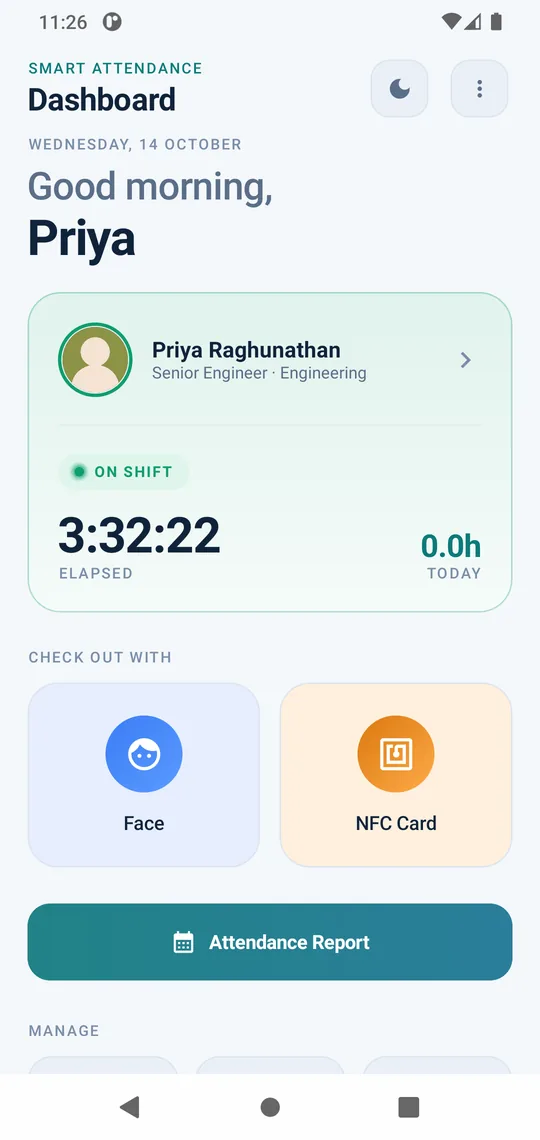
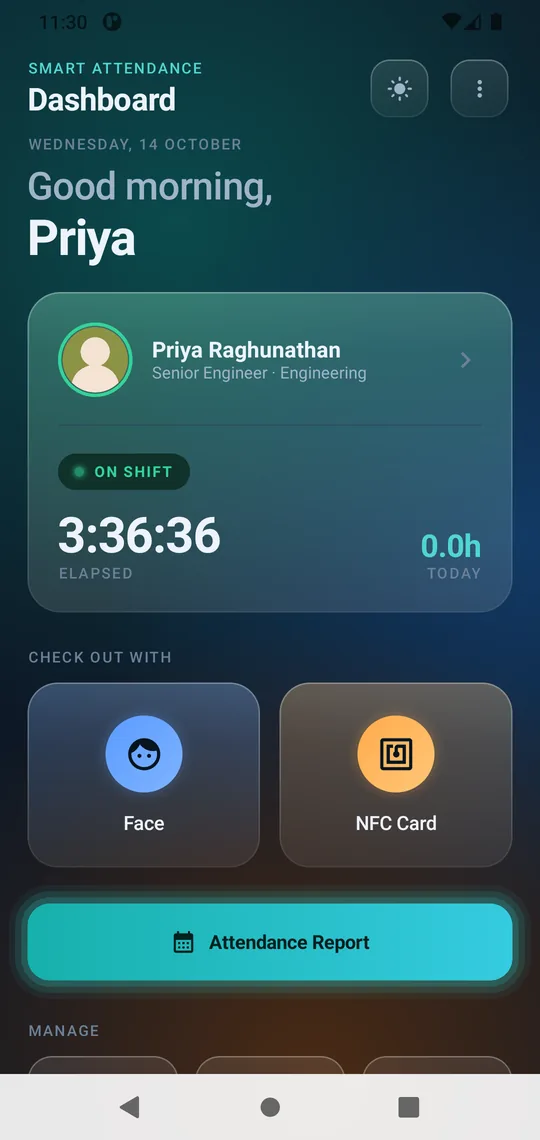
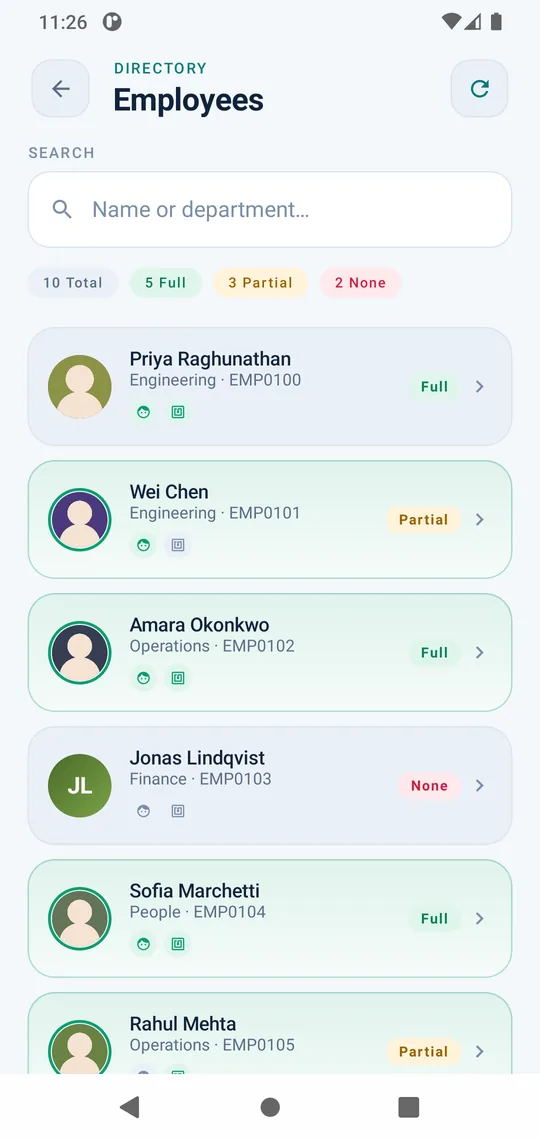
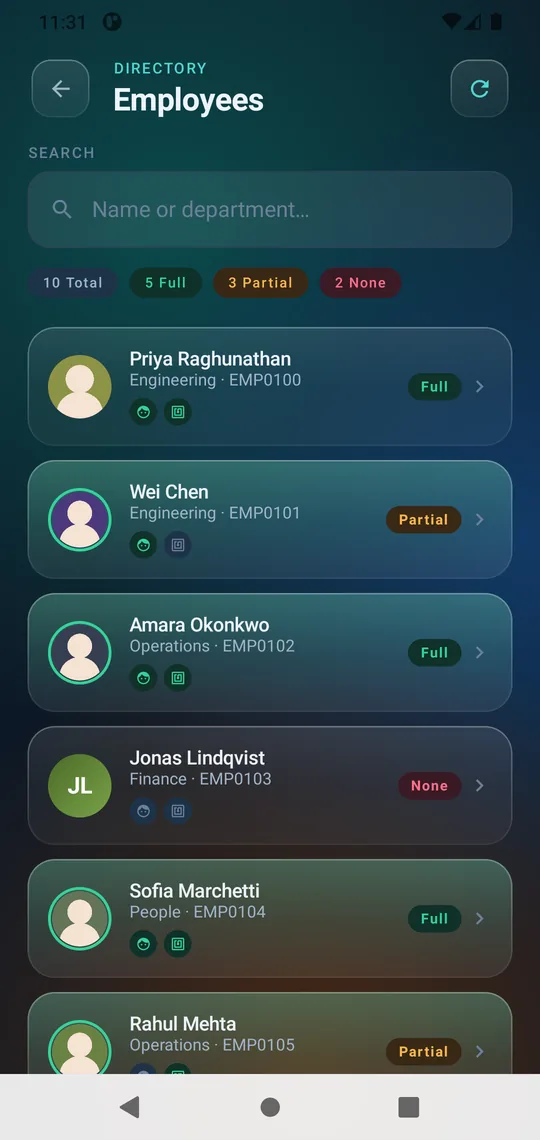
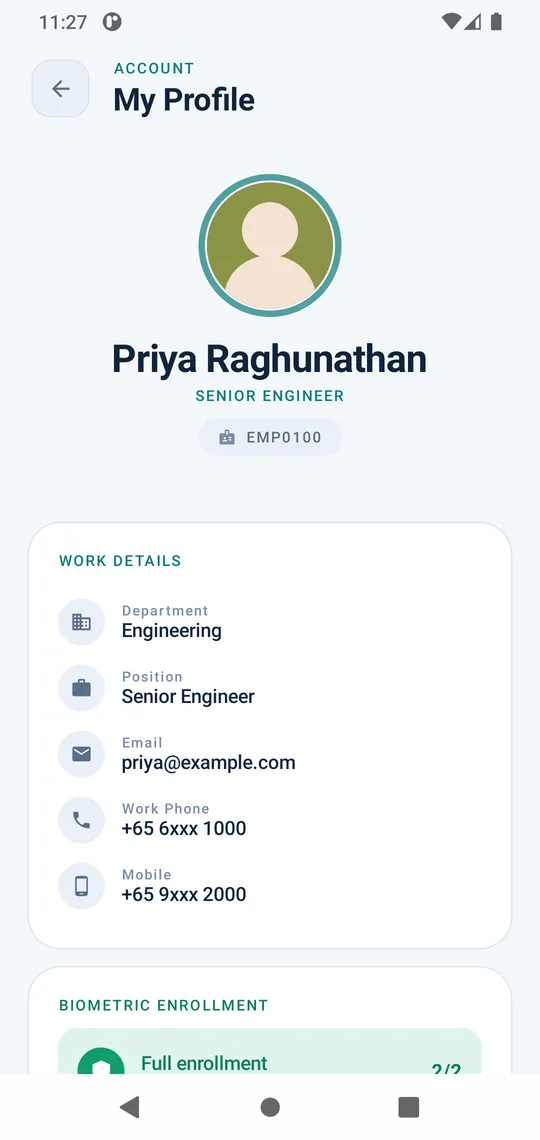
DashboardOn shift, elapsed time today, and the two ways to punch: face or NFC card.
Screens from the shipped Android build.
What is inside
From the first enrolment to the audit trail a manager opens three months later.
What HR asks first
Every question is a badge. Tap one on the reader and the answer is logged, the same way a punch is.
Botspot Smart Attendance is an Android app and an Odoo module that record staff attendance by face recognition or NFC card. Each punch is written into Odoo HR Attendance with the method, confidence score, device and location.
No. Enrolment converts the face into a numeric embedding, a list of numbers held against the employee record. The original image is not kept, and an embedding cannot be turned back into a photograph.
Yes. Punches are cached on the device and sent to Odoo when the connection returns, so a dropped signal at the gate does not cost you the record.
Only where you allow it. Geofencing can be switched on and drawn as a circle with a radius, or as a polygon, and each attendance record stores the latitude and longitude it was taken at.
A face or card has to be presented for every punch, and every attempt is appended to an immutable biometric log with the method, confidence score, device id and the reason for any failure.
Yes. The admin build runs as a shared kiosk for enrolment and identification, and the employee build is self-service for a personal phone. They install side by side on the same device.
It sits on top. The module extends hr.attendance and hr.employee, so existing Odoo attendance reports, worked hours and payroll continue to read the same records.
More from Botspot
Each one is built the same way: one system for the whole business, made for how that industry really works.
Talk to Botspot Infoware about a walkthrough of Smart Attendance, set up against your own Odoo with your sites, shifts and kiosks.
Or write to us directly at contact@botspotinfoware.com
Check out Botspot's best work in our portfolio.